Land Connected: Why a USA Travel eSIM Beats Airport Kiosks
Anyone who has flown into a major American airport after a long international flight knows the scene. Passengers pour out of customs, reach for their phones, and discover no signal. Some join a queue at a kiosk selling SIM cards. Others wander in search of airport Wi-Fi so they can message family, book a ride, or find the hotel address buried in an email. It is a stressful way to start a trip, and it is largely avoidable.
Travel eSIMs let visitors set up mobile data before they leave home, so the phone connects the moment it reaches a US network. This article compares that approach with the usual alternatives, from roaming on a home plan to renting pocket Wi-Fi, and lays out a simple timeline for getting set up before departure. It also covers practical tips for staying connected across a country as large and varied as the United States, where coverage in Manhattan looks very different from coverage in Yellowstone.
The Arrival Hall Problem
The first hour after landing is when connectivity matters most. You need to contact whoever is picking you up, call a rideshare, check that the hotel booking is confirmed, and navigate a transit system you may have never used before. Yet it is also the hour when travelers are most likely to be offline.
Airport shops do sell SIM cards, but limited opening hours, long queues, and higher prices than city stores are common complaints. International roaming can work instantly, yet many travelers switch it off after hearing stories of unexpected bills. Airport Wi-Fi helps, but it disappears the moment you step outside to the taxi rank.
The problem is not limited to international visitors either. Travelers connecting through a US hub on the way to somewhere else, cruise passengers disembarking in Miami or Seattle, and students arriving for a semester abroad all face the same first-hour scramble. Each group has different needs, but they share one thing: they want their phone working before they leave the terminal, not after a detour to find a shop or a free network.
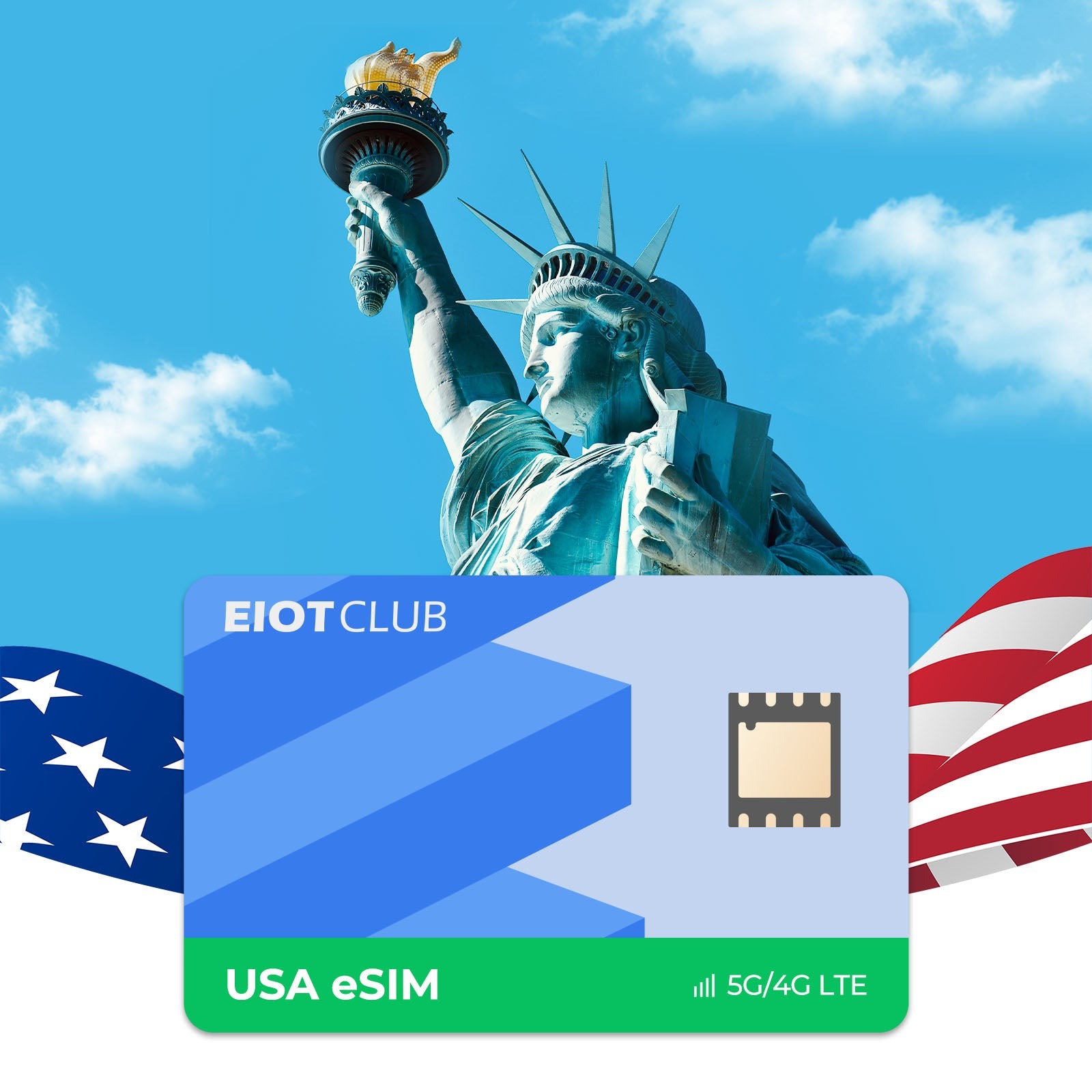
A USA travel eSIM solves the problem by moving the setup to before the trip. You buy and install the digital plan at home, then simply switch it on when the plane lands. By the time you reach baggage claim, maps, messages, and ride apps are ready to go.
Comparing Your Options Side by Side
Each connectivity option has its place, but they differ sharply in convenience and predictability. Here is how they stack up for a typical visitor.
Roaming on Your Home Plan
Roaming is the easiest option on paper, since it requires no setup at all. The trade-off is cost and uncertainty. Many carriers charge daily fees or high per-megabyte rates in the United States, and some reduce speeds after a small allowance. It suits very short trips or travelers whose home plan already includes generous US coverage.
Buying a Physical SIM on Arrival
A local SIM usually delivers good value, but you need to find a store, wait in line, and sometimes handle activation steps in a noisy terminal. You also have to store your home SIM safely, which means losing access to your usual number and any verification texts from your bank.
Renting Pocket Wi-Fi
A portable router is handy for groups sharing one connection. The downsides are another device to charge and carry, a return deadline, and everyone losing access if the person holding it wanders off.
Installing an eSIM Before You Fly
A digital plan combines the value of a local connection with the convenience of roaming. There is nothing to collect or return, your home SIM stays in the phone for calls and texts, and you control exactly when the plan starts. The main requirement is a phone that supports eSIM and is carrier-unlocked.
To check, look for an EID entry in your phone’s About settings, or dial *#06# and see whether an EID number appears alongside the IMEI. Then confirm the lock status with your carrier, especially if the phone was bought on an installment plan. Unlocking can take several days, so it belongs at the very start of your trip preparation rather than the night before the flight. If your phone turns out not to support eSIM, a physical SIM or pocket Wi-Fi remains a reasonable fallback, and knowing that early leaves time to arrange it.
A Pre-Flight Timeline for Easy Setup
Timing makes the difference between a smooth arrival and a scramble. Working backward from your departure date keeps the process calm:
- One to two weeks before: confirm your phone supports eSIM and is unlocked, and request an unlock from your carrier if needed.
- A few days before: purchase your plan and read how its validity period is calculated.
- The day before: install the eSIM profile over home Wi-Fi, label it clearly, and keep its data off if the plan starts counting at first connection.
- At the gate: download offline maps for your arrival city and save your hotel address somewhere accessible without data.
- After landing: switch mobile data to the travel line, enable data roaming for that line only, and test by loading a map.
The installation step is the one travelers most often leave too late. Installing requires an internet connection, so trying to do it on arrival without data creates an awkward chicken-and-egg problem. Doing it at home also gives you time to contact the provider if something goes wrong.
Staying Connected From Coast to Coast
The United States is enormous, and mobile coverage reflects that. Major cities, suburbs, and interstate highways typically have strong service. Coverage becomes patchier in mountain ranges, deserts, and national parks, where towers are sparse and terrain blocks signals. A drive from Las Vegas to the Grand Canyon or through the backroads of Montana can include long stretches with little or no service.
Plan around those gaps rather than being surprised by them. Download offline maps in Google Maps or a similar app for every region on your itinerary. Save reservation confirmations as screenshots or PDFs. If you rely on your phone for navigation, fill up on fuel and check directions while you still have signal before entering a remote park.
Inside buildings, coverage can also drop in basements, large concrete venues, and some older hotels. Wi-Fi calling on your home line, when available, can keep you reachable in those spots. Brands like Eiotclub build travel plans around nationwide partner networks, which helps with coverage in populated areas, but no plan can beat physics at the bottom of a deep canyon. Setting expectations early makes the whole trip smoother.
Everyday Habits That Stretch Your Data
Even with a decent allowance, a few habits keep you from running short before the trip ends. Set your phone to low data mode while traveling, which reduces background refresh and automatic downloads. Turn off automatic photo backup to the cloud and let it catch up on hotel Wi-Fi instead. Streaming apps often default to high-resolution video, so lower the setting or download shows in advance.
Check your usage every couple of days through the phone’s cellular settings. That gives you an early warning if something is consuming more than expected, whether it is a navigation app running constantly or a messaging app auto-downloading every video in a group chat. Disabling media auto-download in messaging apps is one of the simplest ways to save data without giving anything up.
If you plan to share your connection with a laptop, confirm first that your plan allows hotspot use, then mark that network as metered on the laptop so it does not start large updates. Video calls on a laptop use far more data than messaging on a phone, so schedule long calls for times when you are on hotel or café Wi-Fi where possible.
Your Phone, Ready Before the Wheels Touch Down
Arriving in the United States does not have to begin with a hunt for signal. Compared with roaming charges, airport kiosk queues, and rented devices that need returning, a digital plan installed before departure offers a calmer start and more control over costs. The process is simple once broken into steps: confirm your phone is eSIM-compatible and unlocked, buy and install the plan at home over Wi-Fi, and switch data to the travel line after landing. From there, a little planning goes a long way. Download offline maps for national parks and rural drives, keep your home line active for verification codes, and adopt a few data-saving habits so your allowance lasts the whole trip. Whether you are visiting family in Texas, attending a conference in San Francisco, or driving Route 66, having your connection sorted before takeoff means you can spend that first hour on the ground getting where you need to go.